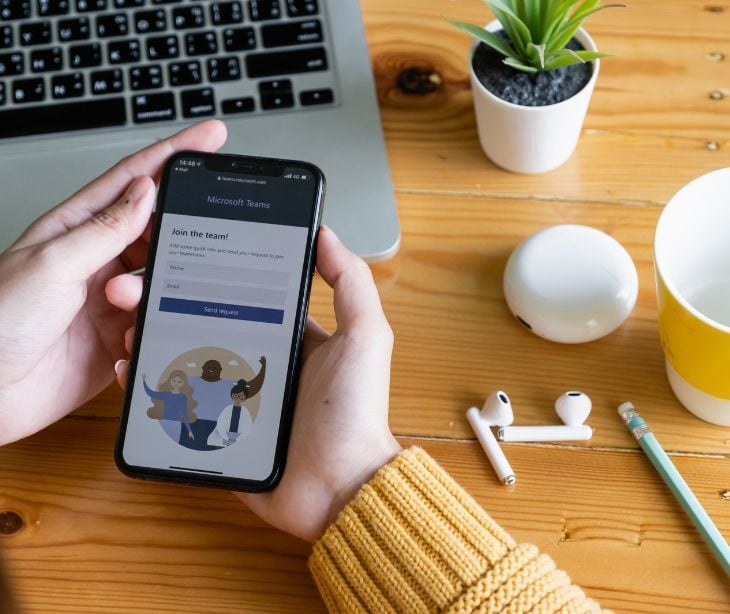
The feature reads the conversation itself, so it can warn about scams that contain no harmful links or attachments.
What happened
Microsoft is adding AI-based phishing detection to Microsoft Teams that analyzes the content of a conversation to spot phishing, impersonation, and social engineering, Cyber Security News reported on October 25, 2026. The protection focuses on first conversations with people outside an organization, in both one-to-one and group chats, across desktop, web, and mobile. Microsoft announced the change in an admin notice on October 21. An early rollout is scheduled from early to mid-November, with general availability from early to mid-December. Workplace chat now carries the same kinds of requests that phishing emails have long used, including password resets, account problems, and urgent support issues.
Going deeper
Traditional detection looks for warning signs such as suspicious links or infected files, and many social engineering attempts contain neither, relying instead on building trust and then asking someone to share a password or approve remote access. Microsoft’s example shows an outside account named “MOD Administrator” discussing permission problems before asking the user to share credentials, at which point Teams displays a warning that the message could be phishing, Cyber Security News reported. Microsoft said detection may run silently at first while it checks accuracy, so visible warnings may not appear straight away during the rollout. No administrator configuration is needed to turn it on.
What was said
Microsoft said the capability is for security purposes only and is not intended for advertising, employee monitoring, productivity analysis, or conversation summaries, Cyber Security News reported. Customer message content is not kept by the detection system for training or other secondary uses. When a warning appears, Microsoft advises users to check the sender’s identity through a trusted channel, block and report confirmed phishing, and report mistaken warnings as not a concern, according to its support guidance.
In the know
Fake IT support over Teams is an established ransomware tactic. Researchers who studied SafePay, the group that is the subject of a joint FBI and CISA advisory this month, described it as flooding a target's inbox with spam and then calling the employee on Microsoft Teams while posing as the company's IT department, Infosecurity Magazine reported. The caller, presenting as an outside IT vendor, asks to review the employee's system using legitimate remote control tools such as Microsoft Quick Assist. From there, the attackers run scripts and spend up to two weeks inside the network before taking data. A warning on that first external chat is the point where the sequence could be stopped.
The big picture
Fake IT contact over chat and phone has already been used against hospitals, which is why warnings on Teams messages from outside accounts matter for healthcare staff. The HHS warned that attackers were calling health sector IT help desks while posing as employees and persuading staff to enroll new devices for multifactor authentication, SC World reported. HHS recommended calling the employee back on the phone number already on record before resetting a password or adding a device, and some hospitals now require those requests in person. The same check works in reverse for Teams. When a message from an outside account claims to be IT support, staff can verify it through the internal help desk’s known number before sharing anything, whether or not a warning appears.
FAQs
Which Teams conversations does the detection cover?
Mainly first conversations with new contacts from outside the organization, in individual and group chats, on desktop, web, and mobile.
When will it be available?
An early rollout runs from early to mid-November, with general availability from early to mid-December.
Does Microsoft read employees' chats for other purposes?
Microsoft says the feature is for security only and not for monitoring, advertising, or productivity analysis, and that message content isn't kept for training.
What should staff do if they see a warning?
Check the sender through a trusted channel, and block and report the contact if it's phishing. Mistaken warnings can be reported as not a concern.
Does no warning mean a message is safe?
No. Warnings may not appear during the early rollout, and staff should still verify any unexpected request for credentials or remote access.