Researchers say an operator guided each victim through a fake Google sign-in in real time, then took over the account.
What happened
A phishing operation targeting people linked to research organizations sent emails posing as invitations to academic and policy events, Cyber Security News reported. Researchers who identified the campaign tracked it as UAT-11985 and published their analysis on October 8. The emails used real event details and named real institutes as hosts. They gave false sender identities. When recipients checked with the institutes, none could confirm the senders worked there. Each email followed the same pattern: a policy-themed opening, praise directed at the recipient, then registration instructions. Event invitations of this kind reach clinicians, researchers, and administrators at academic medical centers routinely.
Going deeper
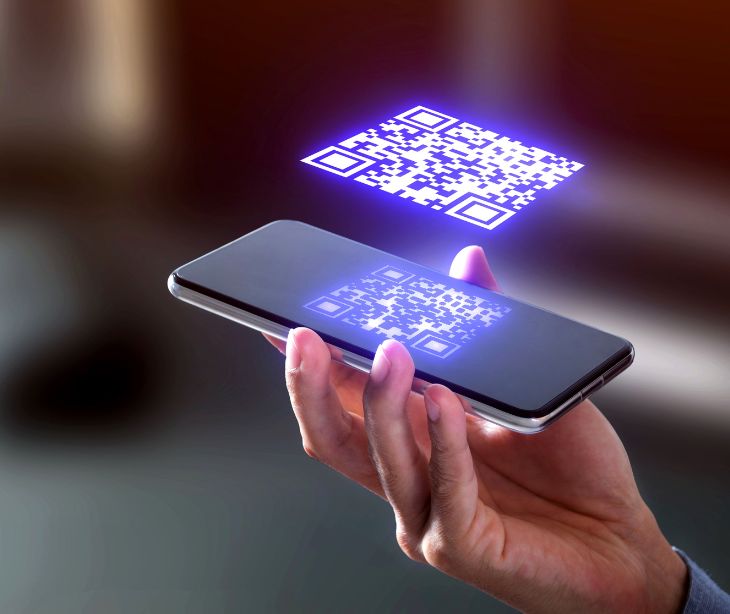
The attackers also copied genuine event posters. They kept the design and replaced the QR code with one of their own. Researchers noted that printed copies of those posters could reach people who never received the original email. A QR code is a square barcode a phone camera reads to open a web address. The registration link led to a fake Google Form, which sent the victim to a copied Google sign-in page. An operator watched each attempt live. The page passed the victim's email address, password, and verification steps to Google's real sign-in service as they were entered. Once the victim finished, the attackers had a working signed-in session to their account.
What was said
Researchers noted signs of AI-assisted writing in the emails, including repeated sentence patterns, general compliments, and fast changes of topic for different recipients, Cyber Security News reported. They could not prove a language model wrote the full messages. They assessed with moderate confidence that the kit's developer mainly worked in Simplified Chinese. That finding alone does not establish nationality or state sponsorship, according to the researchers.
In the know
Live relay pages work against one-time codes and push approvals because the victim is genuinely signing in to the real service. The attacker copies what passes through. CISA recommends phishing-resistant authentication for this reason, in its guidance on implementing it. Passkeys and hardware security keys check the actual web address the browser is connected to. They won't complete a sign-in on a lookalike page, whatever the page displays. Researchers on this campaign gave the same advice. Organizations should also treat a suspected session theft as more than a password problem, since a stolen session keeps working after the password changes.
The big picture
Printed posters move phishing off the email path, where most healthcare organizations have put their filtering. Microsoft detected more than 145 million QR code phishing attacks between July 2025 and June 2026 through its Office 365 protection alone, according to the Microsoft Digital Defense Report 2026. A code on a hospital noticeboard or conference handout is scanned on a personal phone. No email gateway sees it. The FTC's advice is to check the web address a QR code opens before tapping through, especially when the code turns up somewhere unexpected, in its consumer alert on QR codes. For organizations that put event posters up, a practical step is a short note on each one saying where registration really happens.
FAQs
How can someone tell if a QR code has been swapped?
Look for a sticker placed over the original, and check the web address the phone shows before opening it. If the address doesn't match the organization running the event, go to the organization's own website instead.
Why would attackers copy a real poster?
A familiar design and real event details make the code look trustworthy. People scan without checking because nothing about the poster looks wrong.
What is a signed-in session?
When you sign in, the service gives your browser a token that keeps you logged in. Whoever holds that token can use the account without the password until it's revoked.
Does two-factor authentication stop this?
Codes and push approvals don't, because the victim enters or approves them on the attacker's relay page. Passkeys and security keys do, because they check the real web address.
What should someone do after entering details on a suspicious page?
Change the password, sign out of all sessions from the real account settings, and check for new recovery addresses or forwarding rules. Report it to the organization's IT team so they can revoke the session.