


.svg)
.svg)
.svg)
.svg)
.svg)
.svg)
.svg)
.svg)
.svg)
.svg)
.svg)
.svg)
.svg)
.svg)
.svg)
.svg)
.svg)
.svg)
.svg)
.svg)
.svg)
.svg)

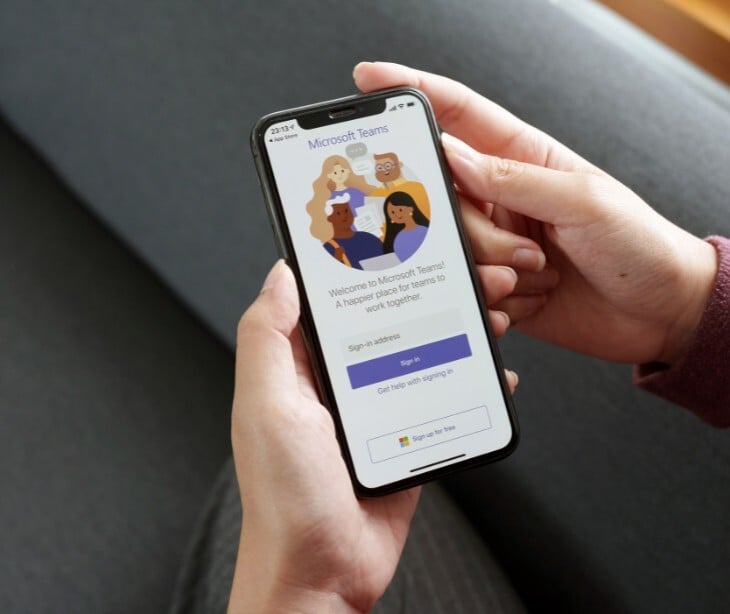
Attackers are impersonating internal IT staff on Microsoft Teams to gain remote access and install a newly identified backdoor on employee systems.
What happened
Hackers targeted employees at financial and healthcare organizations using Microsoft Teams messages that impersonated internal IT support staff. According to reporting by BleepingComputer, attackers first flooded victims with spam emails and then contacted them through Microsoft Teams, offering to fix the issue. Victims were asked to start a remote session using Microsoft Quick Assist, a legitimate Windows feature that allows someone else to control their computer. Once access was granted, attackers deployed malicious tools stored in a personal Microsoft cloud account, including digitally signed MSI installers disguised as Microsoft Teams components and Windows services. The activity ultimately installed a previously undocumented malware strain called A0Backdoor, giving attackers persistent access to the compromised systems.
Going deeper
Researchers analyzing the malware chain found that attackers used DLL sideloading, a technique that abuses how Windows loads required software libraries, to run malicious code through legitimate Microsoft programs. A malicious file called hostfxr.dll contained encrypted data that was decrypted in memory into shellcode, which then generated a key using a SHA-256 hash to unlock the A0Backdoor malware payload protected with AES encryption. After installation, the malware moved fully into memory and collected system information using Windows application programming interface (API) functions such as DeviceIoControl and GetComputerNameW. It then contacted its command and control server using DNS queries, however instead of typical DNS tunneling, the attackers encoded stolen data into MX record requests (normally used for email routing), allowing the traffic to blend in with normal DNS activity and avoid detection.
What was said
Researchers described the campaign’s unusual command and control method in their analysis, explaining that the malware retrieves instructions using DNS mail exchange records, which are normally used to route email. According to the researchers, “the malware extracts and decodes the leftmost label to recover command/configuration data, then proceeds accordingly.” They noted that “using DNS MX records helps the traffic blend in and can evade controls tuned to detect TXT-based DNS tunneling, which may be more commonly monitored.”
In the know
Security analysts said the campaign shows how collaboration platforms can become entry points for attackers once email security improves. Researchers found that the attackers relied mainly on social engineering rather than technical exploits, persuading victims to start the remote session themselves through a legitimate support tool. The activity was assessed with moderate to high confidence as an evolution of tactics previously associated with the BlackBasta ransomware group, although the use of signed MSI installers, the A0Backdoor malware, and command communication through DNS MX records appears to be newer elements not previously documented in those operations.
The big picture
The incident also draws attention to the security challenges that come with the heavy reliance on workplace collaboration platforms such as Zoom, Microsoft Teams, and Google Meet. Research from Metrigy, cited by TechTarget, found that 41% of organizations now operate across multiple meeting platforms, expanding the volume of daily collaboration traffic. A report referenced by Forbes also noted that large enterprises generate hundreds of millions of collaboration messages each year, creating a constant stream of legitimate-looking invitations and notifications. Analysts say attackers are increasingly exploiting that trust by posing as routine meetings or support communications rather than delivering conventional malware attachments. Findings from Paubox show that configuration gaps and trusted communication tools remain common entry points for breaches, placing greater responsibility on organizations to verify identities, train employees to question unexpected support requests, and closely monitor remote access activity instead of relying only on file-based threat detection.
FAQs
What is Microsoft Quick Assist?
Quick Assist is a built-in Windows remote support tool that allows users to share the screen or grant control of their device to another person for troubleshooting purposes.
What is DLL sideloading?
DLL sideloading is a technique where attackers place a malicious dynamic link library next to a legitimate program so the program loads the attacker’s file instead of the intended library.
Why use DNS for command-and-control communication?
DNS traffic is widely allowed across networks, and encoding commands inside DNS queries can help attackers blend malicious communication with normal internet activity.
What is a backdoor in cybersecurity?
A backdoor is malware designed to give attackers persistent remote access to a compromised system so they can run commands, steal data, or install additional tools.
Why target healthcare and financial organizations?
Both sectors hold valuable data and often rely on large workforces using collaboration tools, making them attractive targets for campaigns that rely on social engineering and remote access.
