


.svg)
.svg)
.svg)
.svg)
.svg)
.svg)
.svg)
.svg)
.svg)
.svg)
.svg)
.svg)
.svg)
.svg)
.svg)
.svg)
.svg)
.svg)
.svg)
.svg)
.svg)
.svg)

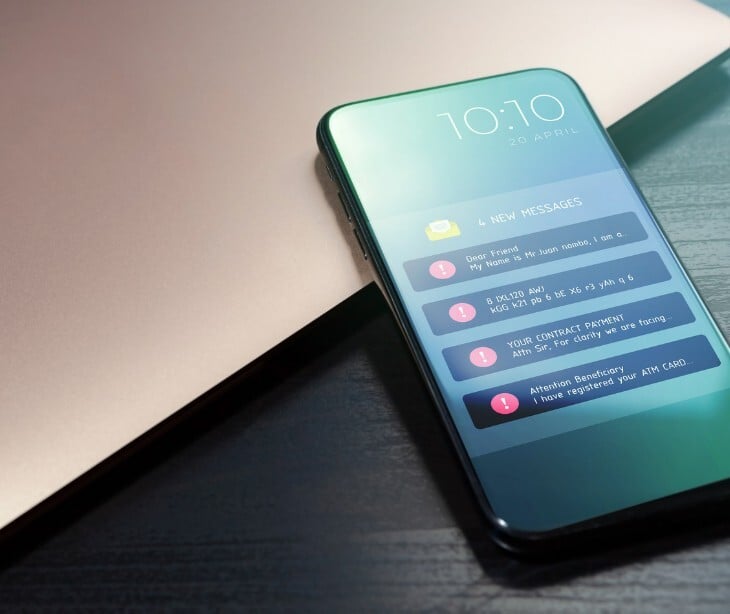
Google adds a built-in security layer to Android phones that detects when scammers use AI to impersonate a user's real contacts during phone calls.
What happened
Google is releasing a feature called "fake call detection" to Android 12 and later devices globally this month, starting with Pixel phones. The feature is enabled by default and works automatically when both the caller and recipient use Phone by Google.
When a contact places a call, their device sends a silent, encrypted confirmation signal to the recipient's device in real time. If that signal is absent, suggesting the call may be spoofed, the recipient's device pings the contact's actual phone to verify. If the contact's device confirms it is not placing a call, the recipient sees an on-screen warning to hang up immediately.
The feature is built on the Rich Communication Services (RCS) open standard and requires that both parties have Phone by Google, Contacts, and Google Messages (with RCS enabled) installed. It targets spoofing a familiar contact's phone number while using AI voice-cloning to mimic that person's voice.
The backstory
In December, Google expanded its Android in-call scam protection to multiple banks and financial apps in the United States, including Cash App, which has 57 million users, and the JPMorganChase mobile banking app, which has over 50 million downloads.
Going deeper
The feature addresses a two-part attack method scammers use:
- Spoofing a known contact's phone number so the call appears legitimate on caller ID
- Deploying AI voice-cloning technology to mimic that person's voice in real time
The verification system works behind the scenes, the contact's device sends an encrypted confirmation signal. If that signal is missing, the recipient's device independently checks with the contact's actual device. Only if the contact's device actively denies placing a call does the warning appear on screen.
Users whose devices run a different default phone app can install Phone by Google from the Play Store and set it as their default to access the protection.
What was said
Google described the mechanics,"If a scammer tries to impersonate your contact, that initial confirmation signal will be missing. Your device will instantly notice this and ping your contact's actual device to double-check."
Google also acknowledged why the change is necessary, "For years, people have relied on caller ID to know who is on the other end of the line, but this is no longer sufficient due to scammers' new tactics."
On the user warning, Google stated, "If their real device says, 'I'm not making a call right now,' you'll get a warning on your screen advising you to hang up immediately. This proactive alert helps you avoid falling victim to deepfake impersonation and call spoofing in real time."
By the numbers
- $2.95 billion reported U.S. losses from impersonation scams in 2024 alone, according to the FTC
- $440 billion estimated global financial fraud losses in 2025, per INTERPOL's March 2026 Global Financial Fraud Threat Assessment
- Impersonation fraud was flagged by INTERPOL as one of the leading threats driving those global losses
Why it matters
Impersonation scams succeed because they exploit trust. Caller ID provides no protection against AI voice cloning paired with number spoofing.
What makes Google's approach good is that it shifts authentication to the infrastructure level rather than placing the burden on the recipient to detect something that is designed to be undetectable. As AI voice tools become cheaper and more accessible, the barrier to executing these scams continues to fall. A default-on, infrastructure-level protection is a meaningful countermeasure.
The bottom line
If your organization relies on phone communication for anything sensitive, ensure staff know about this feature and, where applicable, are using Phone by Google. The best protection against social engineering is one that doesn't depend on the target recognizing the threat in the moment.
FAQs
Does this feature work on iPhones?
No, fake call detection is exclusive to Android devices running Android 12 or later with Phone by Google installed.
Do both people on the call need to have the feature enabled?
Yes, fake call detection only works when both the caller and recipient are using Phone by Google with RCS enabled.
Are older Android devices that can't update to Android 12 left without protection?
Yes, devices that cannot run Android 12 or later are not eligible for this feature and remain vulnerable to AI impersonation calls.
